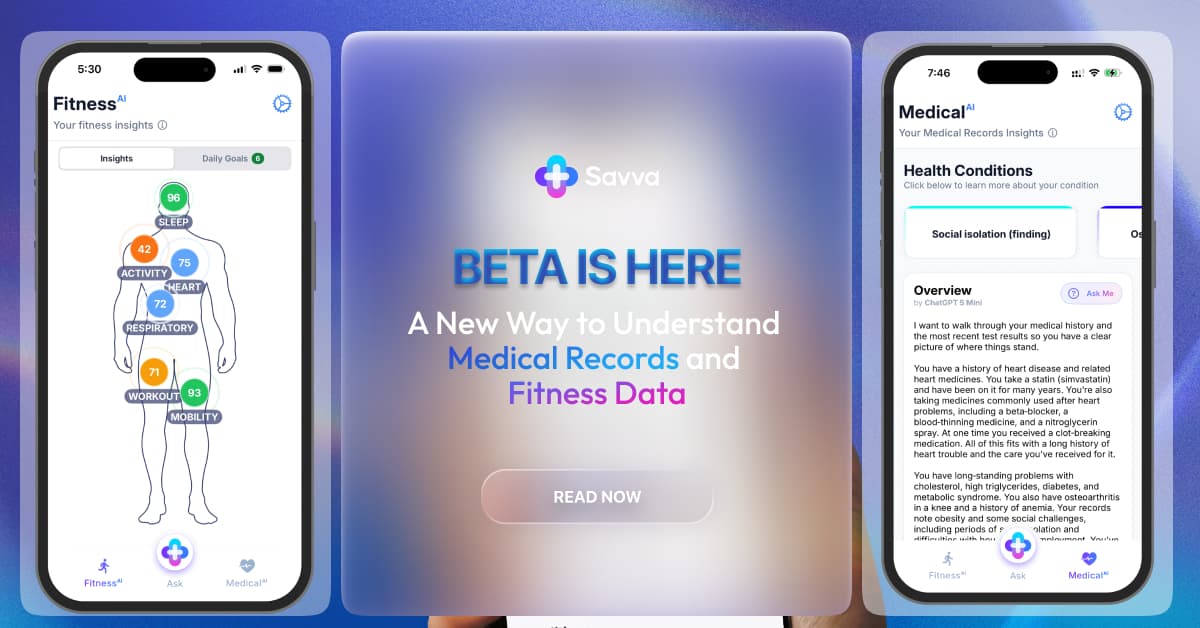


Lab reports often arrive before a follow-up conversation happens. That leaves people looking at abbreviations, reference ranges, and flagged values without much context.
The challenge is rarely access. Most people can open the report. The harder part is reviewing it alongside past results, medications, visit history, and recent changes in routine.
Why Lab Reports Feel Hard to Review
Most lab reports are formatted for clinical workflows, not everyday reading. They are useful, but they are usually spread across:
- patient portals
- PDFs
- specialist systems
- discharge paperwork
- printed summaries
That fragmentation makes simple questions harder than they should be:
- Has this number changed over time?
- Was it similar on the last test?
- Was I taking a different medication then?
- Did this test happen before or after a procedure?
The Real Problem: Context Is Split
A single value rarely tells the whole story. Trends, timing, and surrounding records matter more than one isolated number.
For example, people often want to review:
- Complete Blood Count (CBC) results across several visits
- iron-related markers such as ferritin over time
- liver and kidney panels from different providers
- inflammatory markers from repeat follow-up testing
When those records live in different portals, the review process becomes slow and repetitive.
A Better Workflow for Reviewing Lab Results
The most useful approach is simple:
- Put your reports in one place.
- Review the same test across multiple dates.
- Keep medications, procedures, and visit notes next to the numbers.
- Bring organized questions to your clinician.
That is where a unified records workflow can be helpful. Bringing records, lab results, and wearable data into one place can make it easier to review what changed and when.
Common Lab Groups People Review
Here are some of the most common categories people look back on:
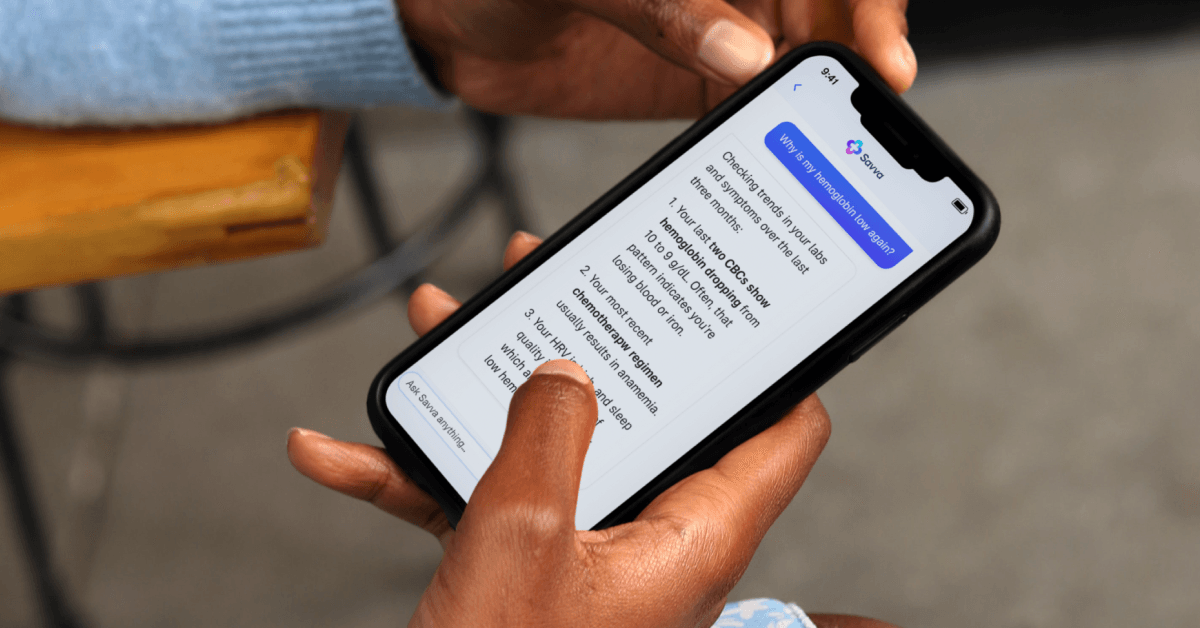
- Complete Blood Count (CBC): often reviewed for white blood cells, red blood cells, hemoglobin, and platelets
- Comprehensive or Basic Metabolic Panels: often used to review electrolytes, kidney-related values, and glucose
- Iron-related testing such as ferritin: often reviewed when fatigue or low iron history is part of the record
- Liver panels: useful when comparing medication changes with repeat lab work
- Inflammatory markers such as CRP or ESR: often reviewed across follow-up appointments
The value of a good dashboard is not that it replaces a clinician. It helps you review the record in a cleaner sequence.
How Organized Summaries Help
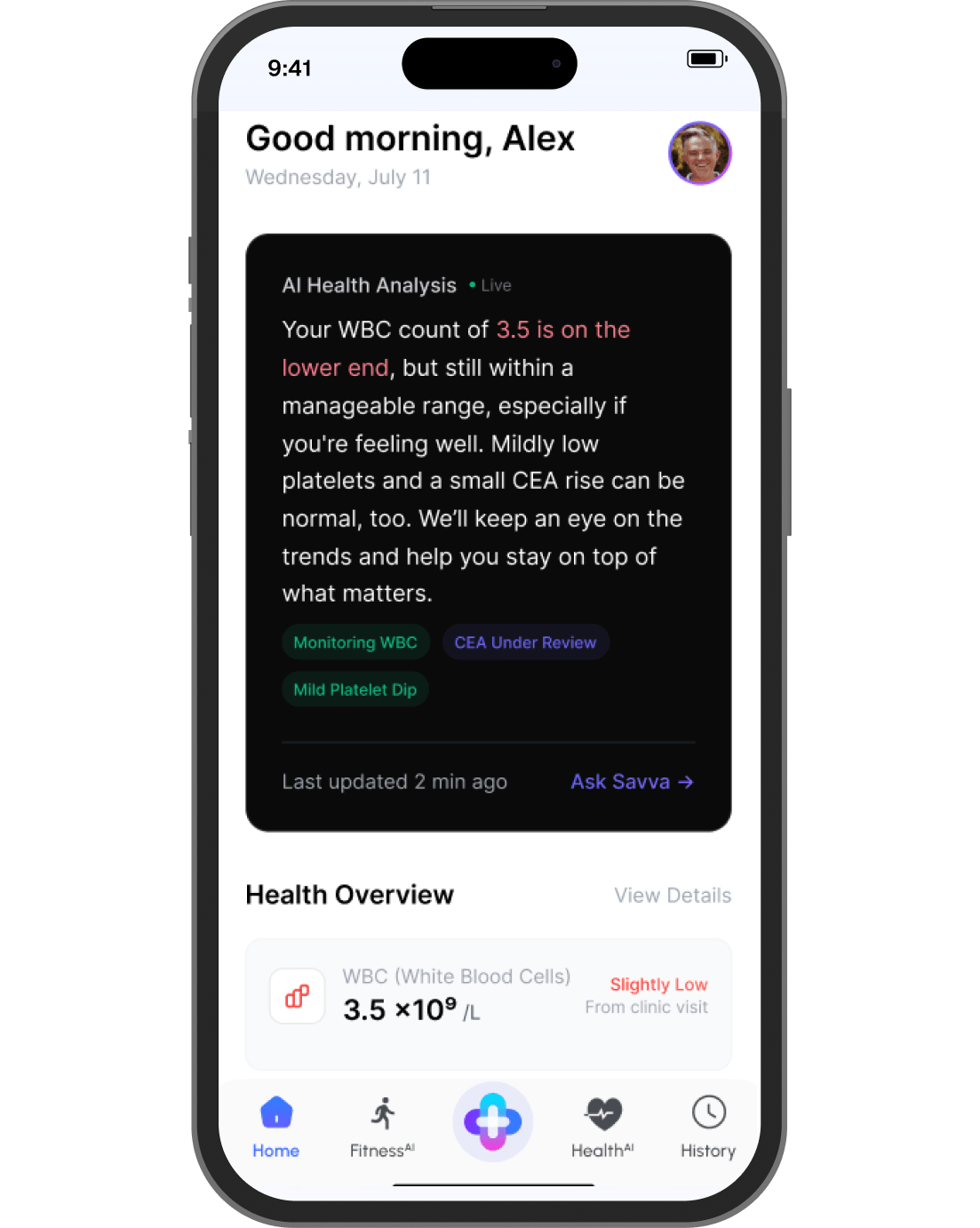
Instead of searching through separate files, many people want a simple summary of:
- the latest result
- prior results for the same test
- the date of each result
- the provider or system that recorded it
- related visit notes or medication changes
That kind of organization is often enough to make the next clinical conversation much more productive.
What Makes Record Review Easier
The most helpful tools usually do three things well:
- connect records from more than one source
- keep related information together
- present medical terms in a more readable format
The most useful tools for this workflow securely connect to records, keep lab history alongside broader health data, and organize the record into summary-style views that are easier to scan.
Practical Ways People Use This
- Reviewing the same lab value across several dates before an appointment
- Looking at medication history next to repeat lab panels
- Checking whether a result appeared before or after a procedure
- Keeping follow-up questions in one place instead of across tabs and PDFs
Final Thoughts
Most people do not need more health data. They need a cleaner way to review the data they already have.
When lab reports, visit notes, and record history live in one organized view, it becomes much easier to prepare for a conversation with your care team and keep track of changes over time.
FAQs
Q1. What helps most when reviewing lab results over time?
It helps to keep the same lab values, visit dates, medication history, and relevant notes in one organized timeline.
Q2. What makes record summaries useful?
A good summary helps people review the latest result, earlier results for the same test, the date of each result, and related notes in a clearer sequence.
Q3. Can I compare older and newer reports?
Yes. One of the most useful parts of a unified dashboard is being able to review the same information across multiple dates.
Q4. Is this only useful for lab reports?
No. The same workflow can help when people want to review visit notes, medication changes, and broader record history alongside lab values.
Q5. Why is privacy still important in this kind of workflow?
Because lab reports, visit notes, and medication histories are sensitive. Any tool used for record organization should make privacy and access controls easy to review.