

You show up to an appointment. The doctor can’t see your labs. You know it exists. They don’t.
Different clinics use different EHRs, so records can get split across patient portals. This article covers why medical records get split up, what that means for you, and simple steps you can take to make the record easier to follow.
What is an EHR, and what are “competing EHRs”?
An electronic health record, or EHR, is the computer program a clinic or hospital uses to keep track of your care. It stores recorded conditions, medications, lab results, and visit notes. EHRs replaced paper charts so clinicians could find information faster.
“Competing EHRs” means different providers use different EHR systems. One hospital may use one product, a community clinic a different one, and a specialist a third. These systems come from different companies and are often customized for each clinic. That is why parts of your record can end up spread across several places and look different depending on where you log in.
Why clinics and hospitals do not share records smoothly
You might expect systems to just share files. In reality, a few clear reasons keep information fragmented.
- Different systems, different setups: Vendors and clinics store and label information differently, so records do not line up.
- Integration costs: Building secure connections and mapping fields between systems takes time and money.
- Privacy and patient matching: Verifying identities and enforcing privacy protections adds extra steps.
- Local rules and uneven standards: Standards such as SMART on FHIR help apps and EHRs connect, but not every clinic uses the same pieces or the same settings. That makes full sharing uneven.
Together, these issues create the interoperability gap between the idea of one record that follows you and the reality of many portals.
For official guidance on patient access rights, see HHS on medical records and ONC on interoperability:
HHS: Access your medical records
ONC: Interoperability
How this shows up for families and caregivers
These problems are quick to spot in everyday care.
- A different portal for each provider: Multiple logins are confusing.
- Missing pieces: Specialists may not see hospital notes or images.
- Medication lists don’t match: Clinic, hospital, and pharmacy lists can differ.
- Scattered lab results: Results in different systems hide trends.
- Caregiver burden: Families spend hours collecting PDFs and making calls.
- No single timeline: Without one chart it is hard to see what happened and when.
These issues slow care, increase stress, and make routine coordination harder.
A Practical checklist for patients and caregivers
You do not need to wait for the whole system to change. Try these simple steps.
- List your portals: Write down each clinic, hospital, or specialist and the portal login. Use a password manager.
- Download key records: Ask each provider for a PDF of recent visit notes, your medication list, and recent labs. You have a right to access many records.
- Ask for a plain summary: Request a short problem list or one-page visit summary from your primary care doctor.
- Tell new providers where to look: Offer to share a PDF or give portal access when you see a new specialist.
- Keep one packet for appointments: A single printed or PDF packet with recent labs, meds, and notes saves time.
- Connect wearable apps: If you use an Apple Watch, Oura, Whoop, Garmin, or Fitbit, connect those apps to your phone so their information is available alongside clinical records.
- Try a record organization app carefully: If an app gathers records for you, confirm it keeps records read-only and protects your privacy.
These steps will not solve system-level gaps, but they can make day-to-day record review more manageable.
How Record Organization Tools Can Help
A helpful way to think about record organization tools is as a readability layer over the records you already have. Rather than replacing clinicians or editing official charts, the goal is to gather what exists and make it easier to review.
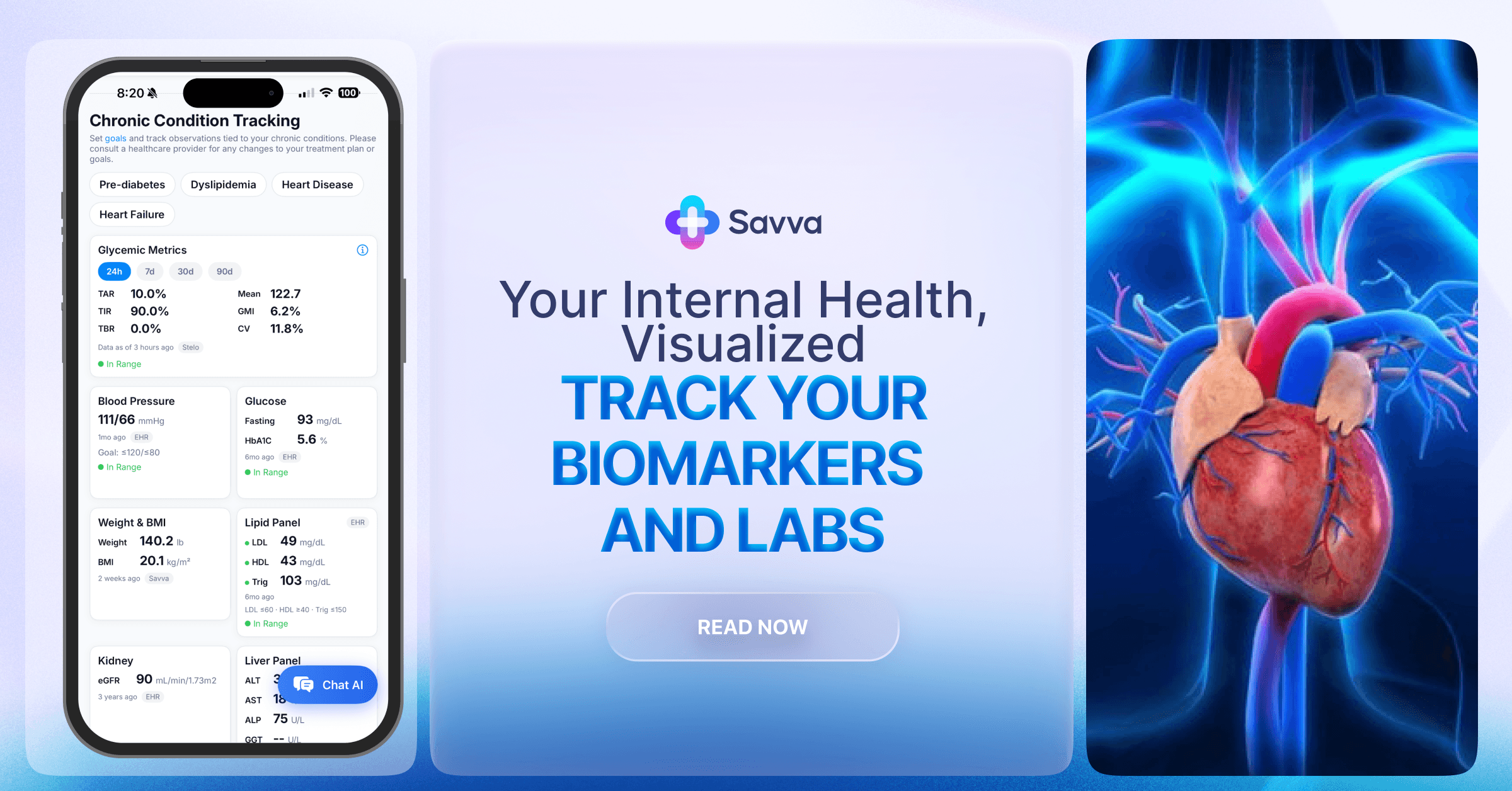
When records, labs, medications, visit notes, and wearable app data can be reviewed together, it becomes easier to follow the full timeline instead of switching between multiple patient portals.
The strongest versions of these tools stay read-only, keep the original record source intact, and focus on clearer organization rather than changing official documentation.
Final thoughts
Competing EHRs and uneven interoperability are the reason your medical history can feel split across portals. The national system is moving toward better sharing, but today you can collect and share the essentials yourself. A privacy-first record setup that brings many portals into one view can make day-to-day record review easier while you still rely on clinicians for decisions.
FAQs
How should a record organization tool handle privacy?
The strongest setup keeps the official record read-only, uses encrypted storage and connections, and makes it clear when any optional cloud feature is being used.
What is the difference between on-device and cloud AI?
On-device AI runs only on your phone and works offline. Cloud AI can handle longer or more complex requests, but it requires sending a conversation to a cloud provider with your explicit consent.
Can a record organization tool change an official medical record?
No. Corrections should still be handled by the healthcare provider or organization that maintains the official record.
How do I get access to split records?
Download records from each portal or ask the health information office for copies. You can also ask a provider to send records electronically when that option is available.